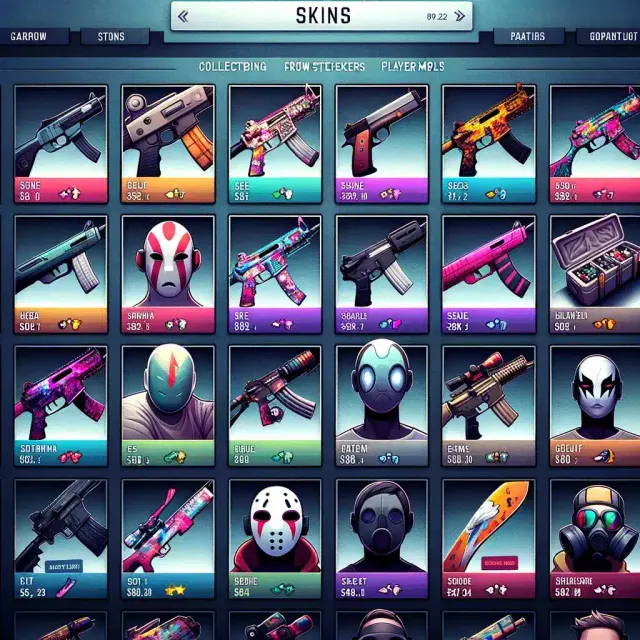
CS2 Trading Guide: How to Trade Skins Safely in 2026
The CS2 skin economy is worth billions of dollars, making it one of the largest virtual item markets in gaming. Trading skins can be profitable and fun, but it also attracts scammers.
Archived guide · Last edited 25 Mar 2026. Game details may have changed since publication.
Safe Skin Trading in CS2#
The CS2 skin economy is worth billions of dollars, making it one of the largest virtual item markets in gaming. Trading skins can be profitable and fun, but it also attracts scammers. This guide teaches you how to trade safely and effectively.
Where to Trade CS2 Skins#
Steam Community Market#
The official marketplace built into Steam. It is the safest option but charges a 15% fee (5% Steam + 10% CS2).
- Pros: Maximum safety, integrated with Steam, instant transactions
- Cons: High fees, $2,000 wallet limit, funds locked to Steam
Third-Party Marketplaces#
Sites like Skinport, DMarket, Buff163, and CSFloat offer lower fees and cash-out options:
- Skinport: EU-based, PayPal/bank payouts, 5-12% seller fee
- Buff163: Largest marketplace (China-based), lowest fees (~2.5%), huge selection
- CSFloat: Peer-to-peer marketplace with detailed float and pattern info
- DMarket: Supports multiple games, crypto payouts available
Direct Trading (Steam Trade Offers)#
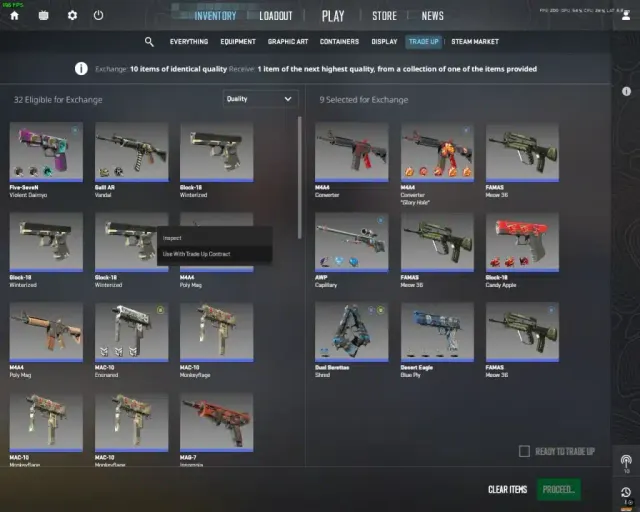
Trade directly with other players through Steam. No fees but requires trust or equal-value trades. Always use the official Steam trade offer system — never trade outside of Steam.
How to Avoid Scams#
Common Scam Types#
- Phishing links: Fake Steam login pages that steal your credentials. Always check the URL starts with
steamcommunity.com - API key scam: Scammers get your Steam API key and intercept trade offers, replacing them with trades to their account
- Fake middleman: Someone impersonates a trusted trader or admin
- Overpay scam: "I will overpay 200% if you trade on this site" — always a scam
- Cash trade scam: Someone offers cash via PayPal then charges back after receiving the skin
Protection Measures#
- Enable Steam Guard Mobile Authenticator — Required for trading and adds 2FA protection
- Never share your API key — Revoke it at
steamcommunity.com/dev/apikeyif compromised - Check Steam profiles — Look at account age, level, and trade history before trading
- Use official links only — Never click trading links sent via Discord or Steam messages
- Verify item details — Check float value, pattern, and stickers in the trade window before accepting
Understanding Skin Value#
Wear Conditions#
- Factory New (FN): 0.00-0.07 float — Highest value
- Minimal Wear (MW): 0.07-0.15 float
- Field-Tested (FT): 0.15-0.38 float — Most common
- Well-Worn (WW): 0.38-0.45 float
- Battle-Scarred (BS): 0.45-1.00 float — Lowest value (exception: some BS skins are desired for unique looks)
What Affects Price#
- Float value: Lower float = cleaner skin = higher price
- Pattern: Some skins have desirable patterns (Blue Gem Case Hardened, Fire and Ice Marble Fade)
- Stickers: Applied stickers can add significant value, especially Katowice 2014 holos
- Supply and demand: Discontinued skins and limited items appreciate over time
Trading Tips for Profit#
- Buy on Buff163, sell on Steam Market for arbitrage opportunities
- Watch for market dips during major sales or new case releases
- Invest in operation skins that will become unavailable when operations end
- Be patient — skin trading is not a get-rich-quick scheme. Small consistent profits add up
Conclusion#
CS2 skin trading can be rewarding if you approach it carefully. Use reputable marketplaces, never click suspicious links, enable all security features, and take time to learn skin values. The community is generally helpful — when in doubt, ask experienced traders before making large trades.
Related CS2 Guides#
- → CS2 Competitive Etiquette: How to Be a Better Teammate
- → CS2 Movement Guide: Counter-Strafing, Bunny Hopping and More
- → CS2 Grenade Guide: Mastering Utility for Every Situation
- → CS2 Knife Skins: The Complete Collection Guide and Price Ranges
- → How to Get Better at CS2: The Ultimate Improvement Guide
Something worth updating?
Spotted an outdated detail or something we should add?